https://www.youtube.com/watch?v=Nfz1FTtiM2c&t=1s
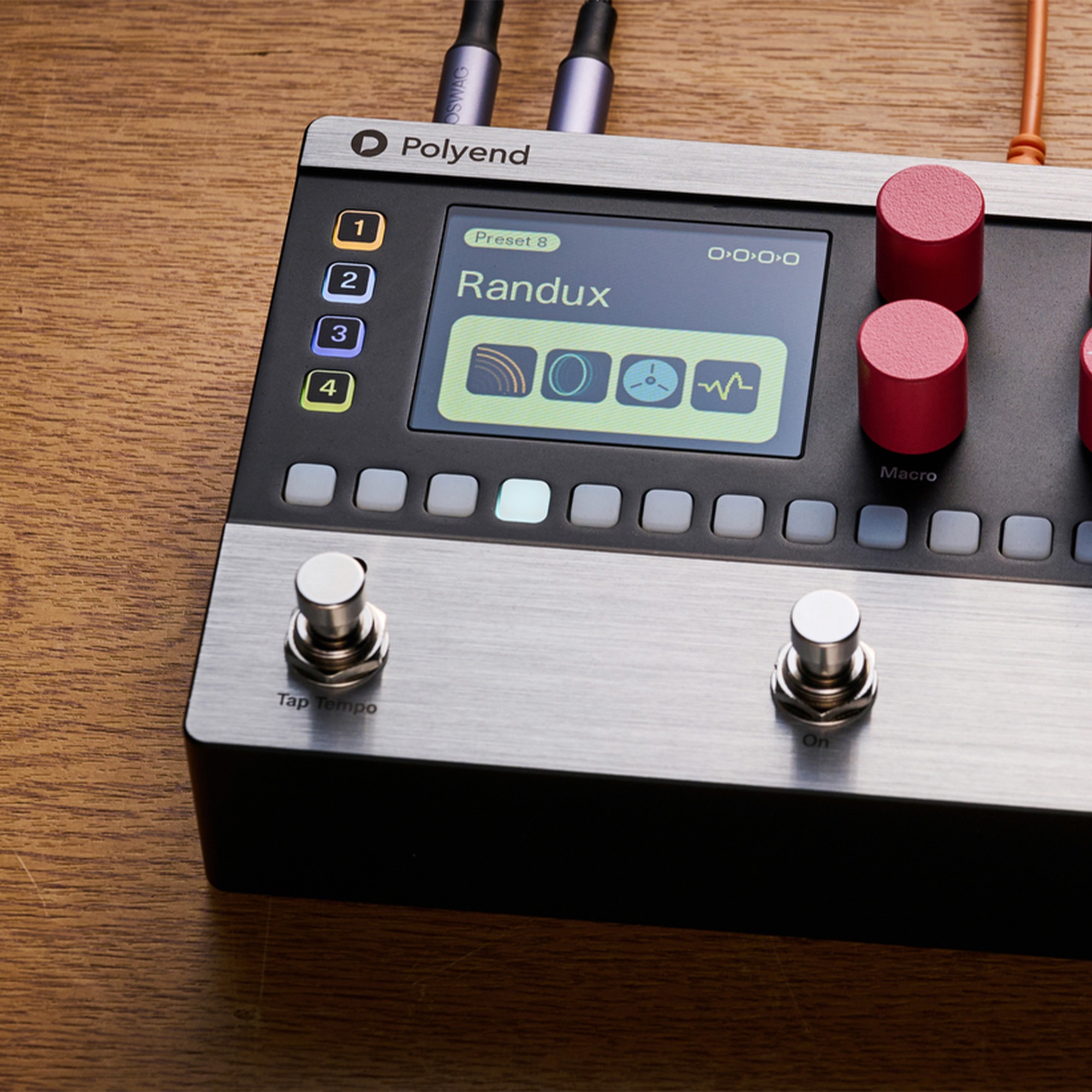
Polyend has released firmware version 1.2 for the Mess, introducing a range of new features that enhance creative flexibility, workflow, and performance control. This update focuses on expanding how effects interact within sequences, giving users more control over both sound design and live operation.
Per-Track Trails
A key addition in this update is Per-Track Trails, available in Menu → Trails. Each track now includes three selectable modes, which are saved per preset:
- Off
Maintains the original behavior where effects stop immediately when a step is inactive. - Only Trails
Cuts the dry signal on inactive steps, allowing only the effect tails to remain audible. This setting is useful for creating space, rhythmic textures, and parallel-style processing. - Trails & Dry
Allows effect tails to decay naturally while the dry signal continues to pass through. For example, a reverb applied to a sequence will continue to decay without retriggering on empty steps.
These options provide greater control over how effects evolve over time, particularly when working with delays, reverbs, and other time-based processing.
Bypass Trails
A global Bypass Trails setting has also been added in the Trails menu. This allows users to determine whether effects should continue to decay naturally when bypassed or stop immediately. This feature is especially useful in performance scenarios where smooth transitions are important.
Sequencer Parameter Retention
Firmware 1.2 improves sequencing workflow by preventing parameter resets when changing effects. Sequencer steps will now retain their parameter values, allowing for more seamless experimentation.
This behavior can be adjusted in Menu → Clean Seq on FX and is set to Off by default, meaning parameter retention is active.
Main Output Control
The master output level can now be controlled directly from the device using the macro knob, MIDI CC#92, or an expression pedal. This adds a layer of flexibility for both studio use and live performance.
Tempo Display
Users can now tap the Tempo encoder on the main screen to quickly view the current BPM. This provides a more immediate way to check tempo without interrupting workflow.
Firmware Update Instructions
To install firmware version 1.2:
- Download and extract the firmware file
- Copy the .pmf file to the Firmware folder on the Mess SD card
- Save your current presets and back up your SD card
- On the device, navigate to Settings → Firmware → Update Firmware
- Select the .pmf file and confirm to begin the update
- After installation, open a new preset to initialize the updated configuration settings
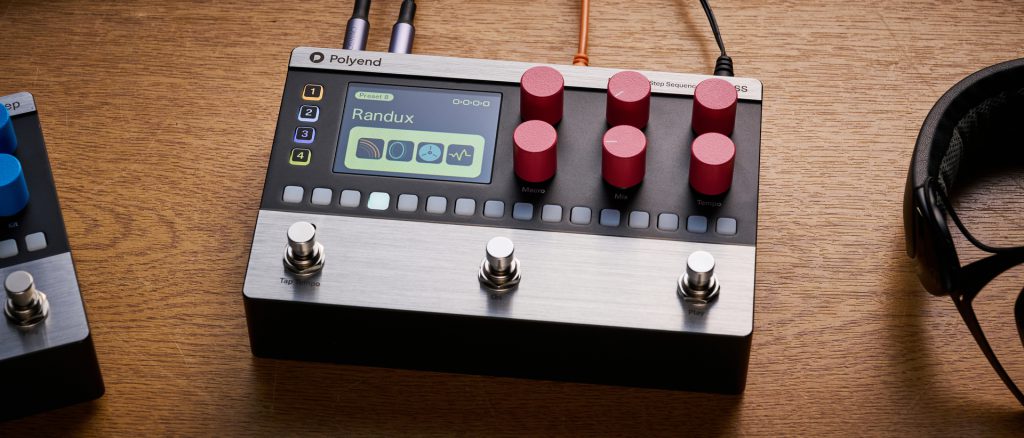
Firmware 1.2 introduces meaningful enhancements to the Polyend Mess, with a strong focus on control, flexibility, and creative workflow. The addition of per-track trails and improved parameter handling provides new opportunities for shaping sound within sequences, while performance-oriented updates streamline operation in both studio and live environments.
Ask about this product ↗