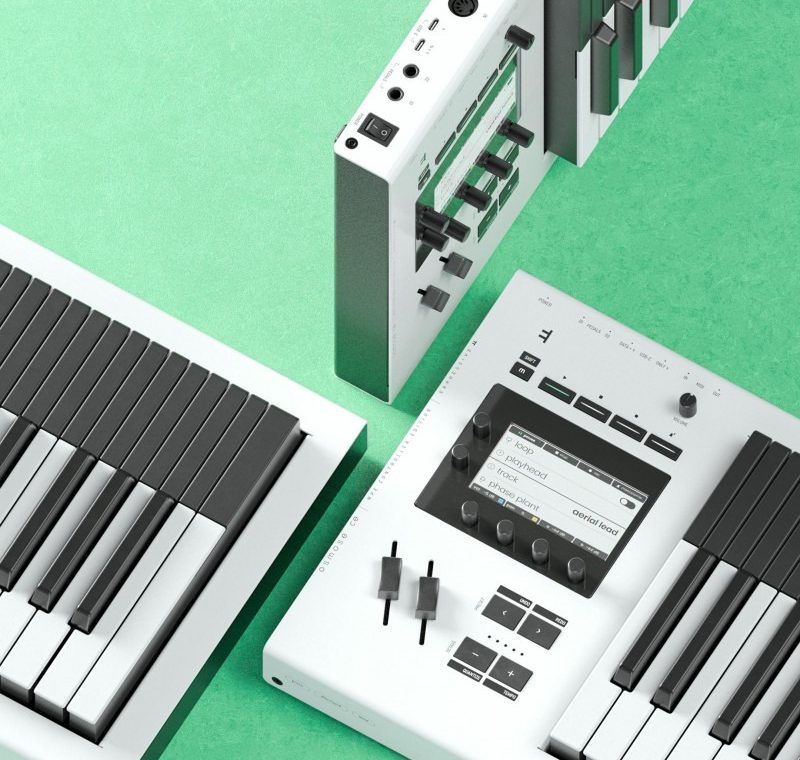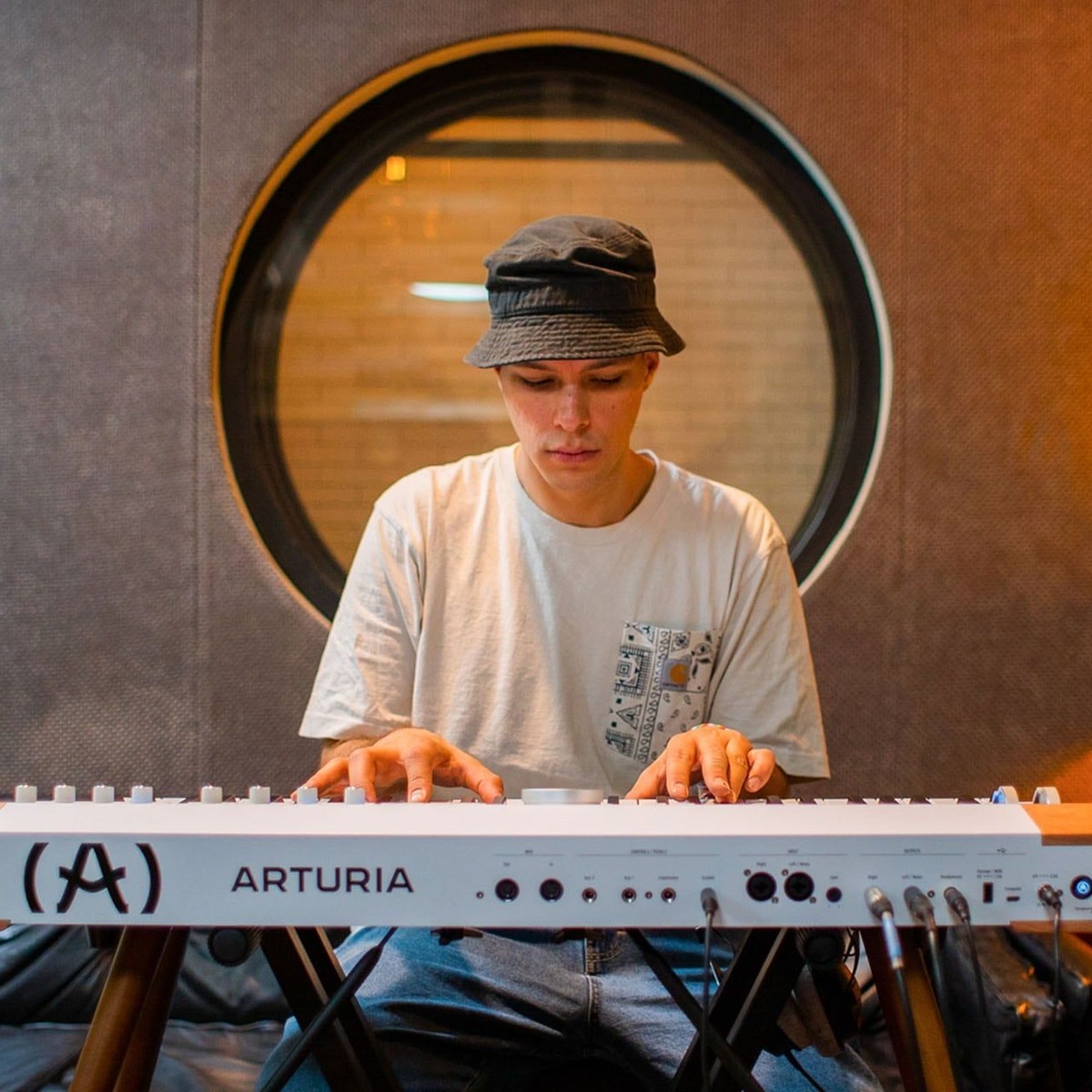
Arturia’s AstroLab 2.0 firmware update brings a more hands-on approach to sound shaping, a wider selection of stage-ready sounds, and a set of practical performance refinements to the AstroLab keyboard family.
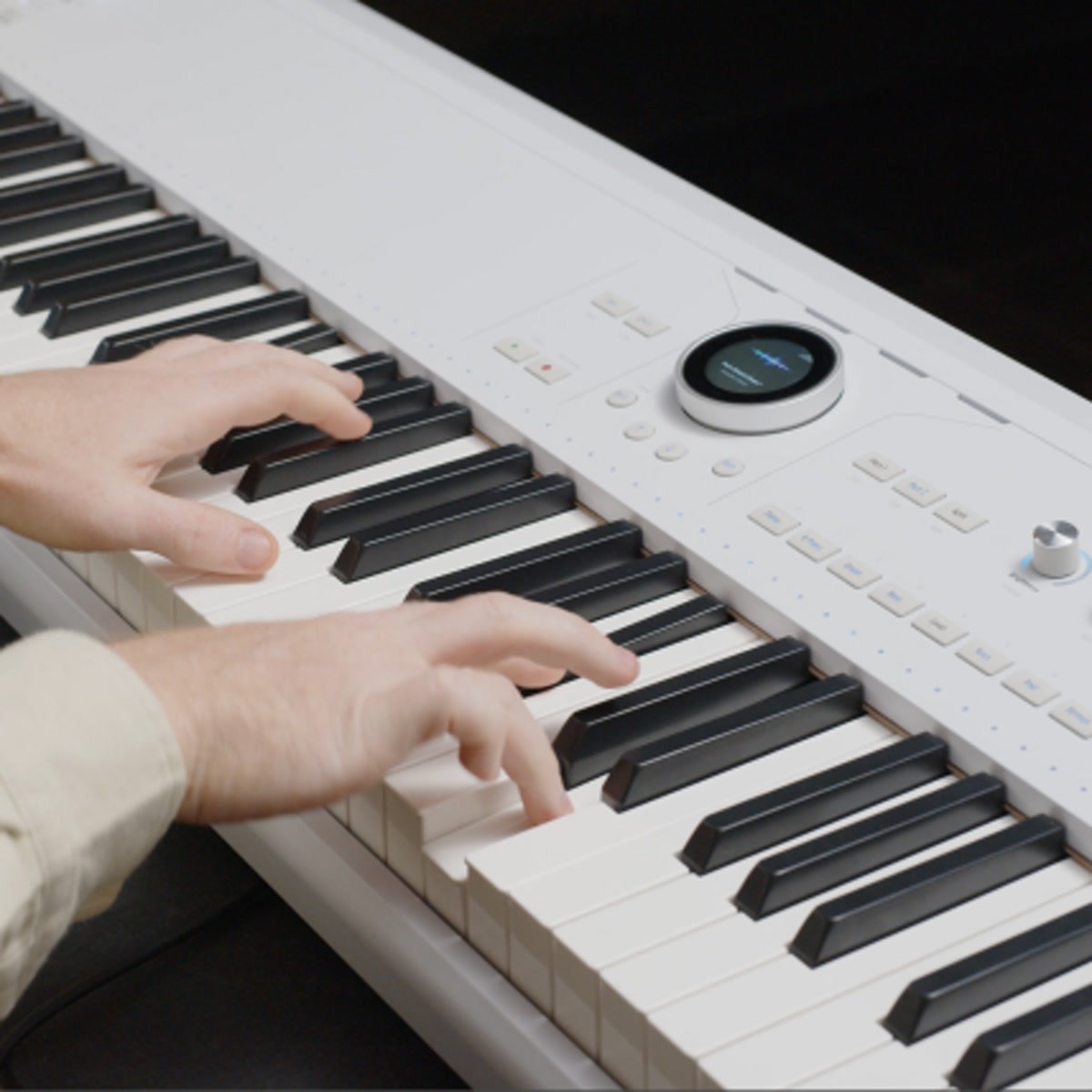
Sound shaping from the front panel
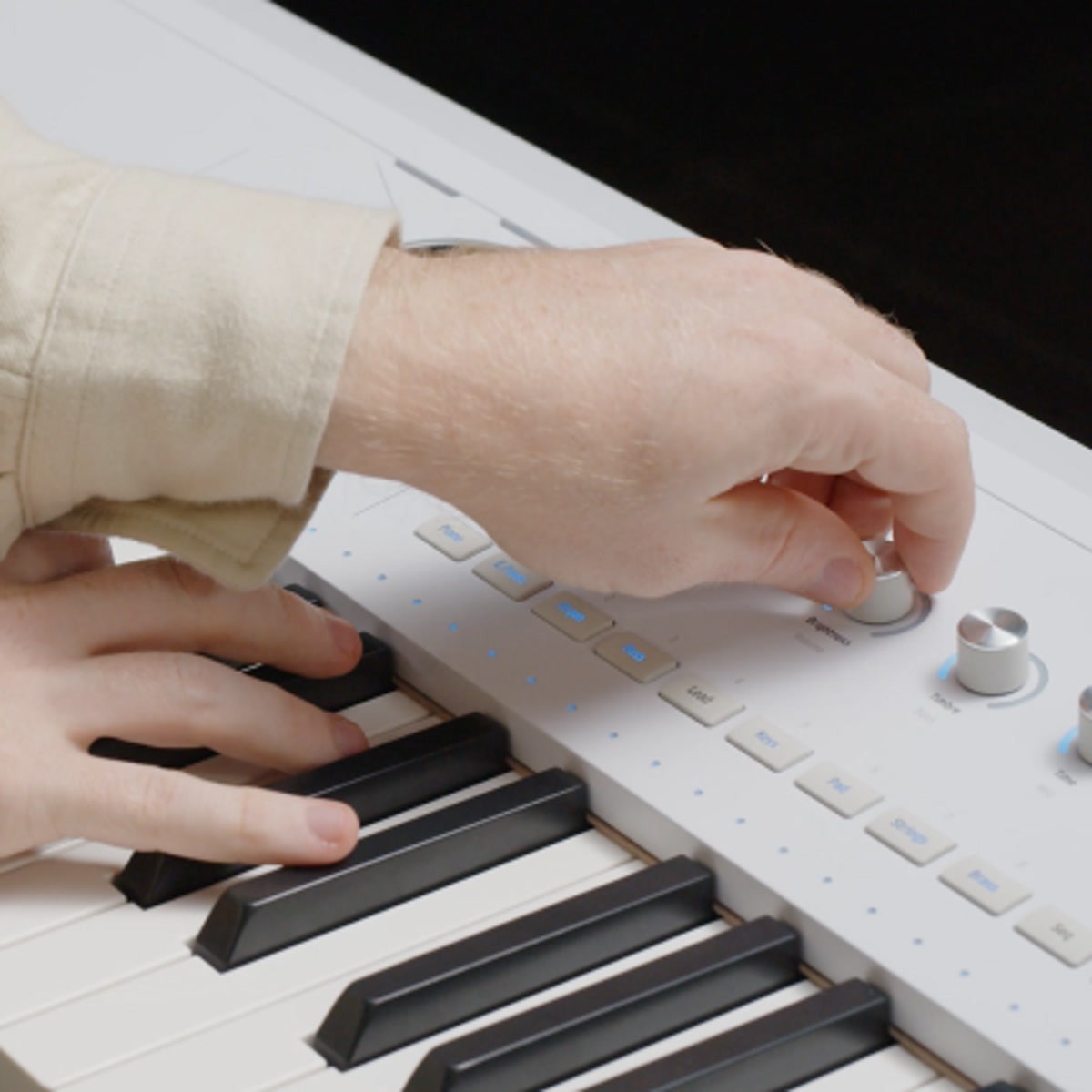
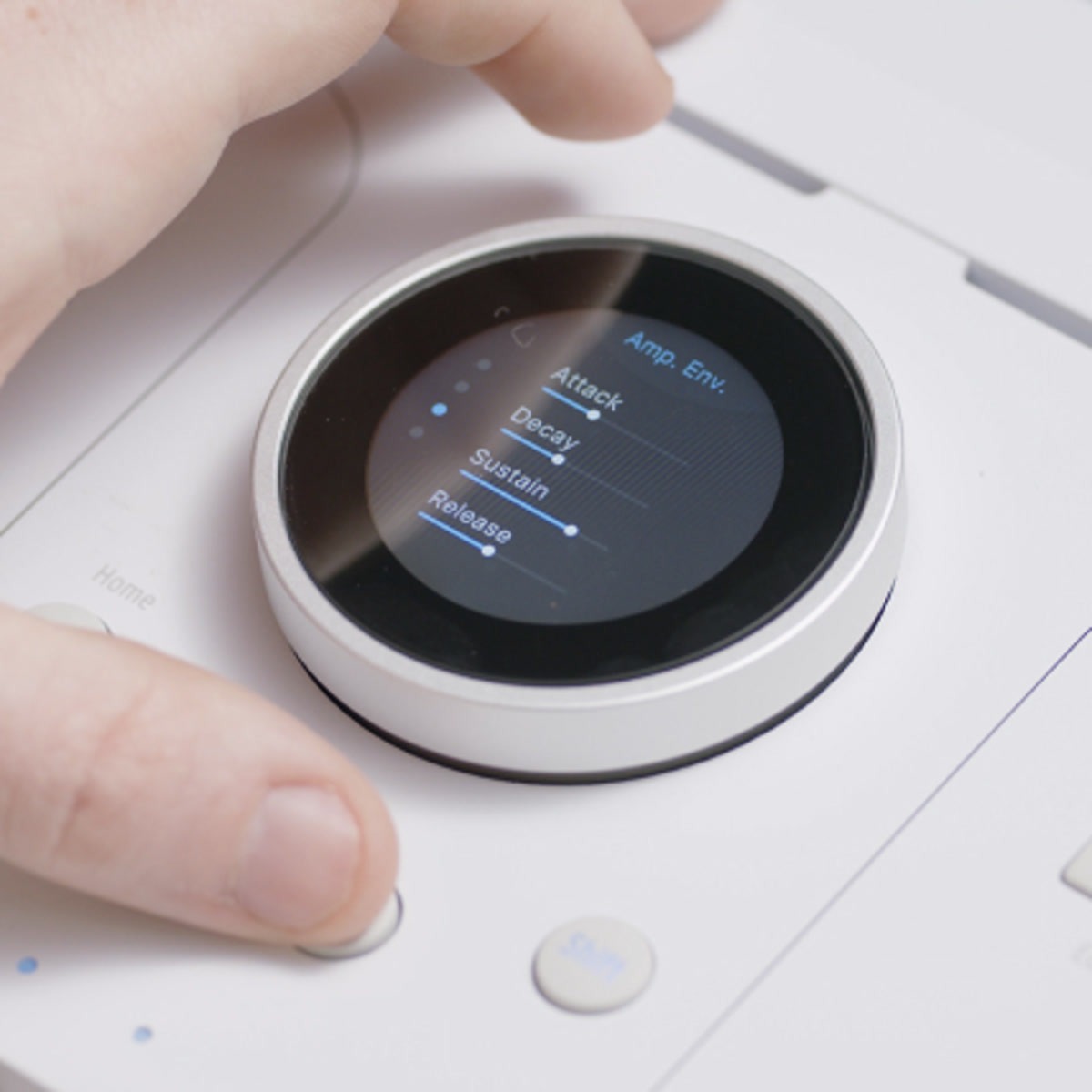
The new Sound Edit view puts key parameters for the selected instrument within reach of AstroLab’s four macro controls. Dedicated pages provide access to settings such as envelopes, filter, glide, and more, making it possible to tailor a sound directly from the keyboard while preparing a set or performing. The available parameters vary by instrument.
More colors for the stage
AstroLab 2.0 adds more than 60 sounds and a selection of new sample-based instruments. The additions include an acoustic piano built from eight velocity layers, funk and orchestral brass, pop strings, and upright and electric basses—useful additions for players building parts and splits around a live set.
Workflow and performance refinements
The update also improves sampler polyphony and the linking and updating workflow with Analog Lab. Transposition is now shown on the octave LEDs, aftertouch response is refined on AstroLab 37, and the preset list has been reorganized to make sounds easier to access.
How to get the update
AstroLab firmware updates are free. Install the latest version of Analog Lab, connect AstroLab to the computer, launch Analog Lab in standalone mode, link the instrument, then choose Update from the settings. Keep the keyboard connected and do not interrupt the update while it is in progress.
Visit Arturia’s AstroLab 2.0 firmware update page to review what’s new and begin the update. Arturia’s step-by-step update FAQ provides additional installation guidance.
AstroLab 2.0 is a substantial feature addition for a performance keyboard: more parameters are available at the instrument, while new sounds and workflow refinements help keep more of the preparation and playing process on the instrument itself.