Arturia MiniFreak Just Got a Vocoder – Here’s Everything You Need to Know
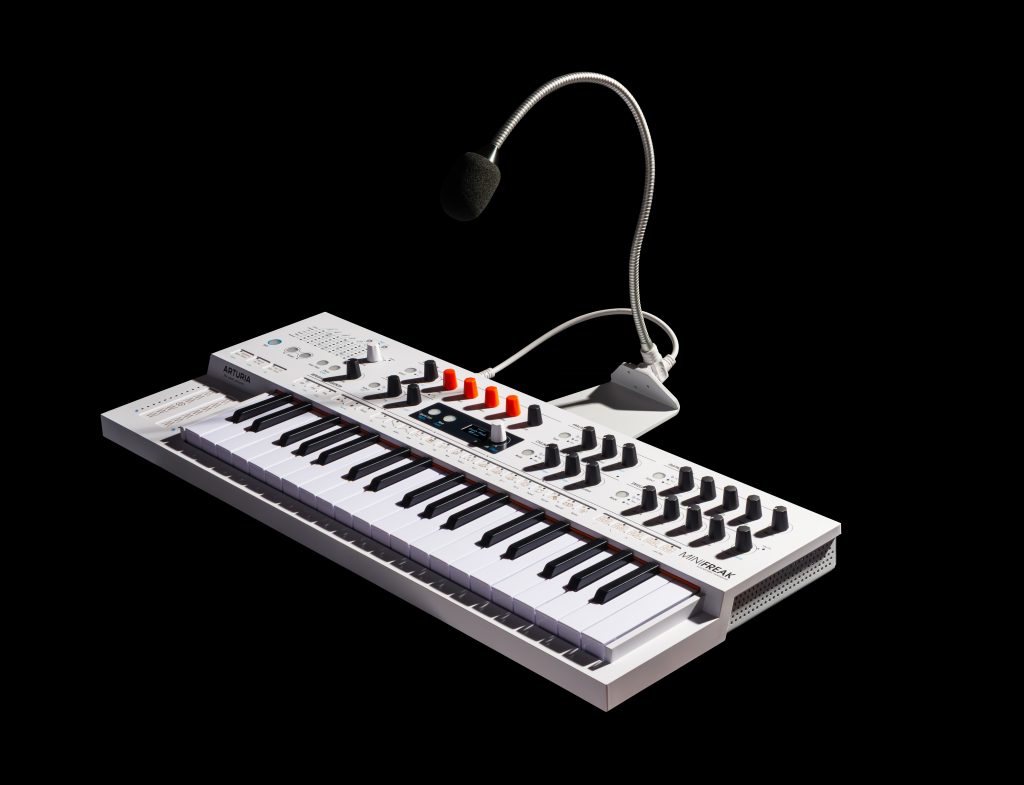
The MiniFreak has always been a playground for sonic exploration, but now Arturia has taken things to the next level with a brand-new Vocoder FX update that gives this already-powerful hybrid synth even more creative potential. Whether you’re looking to create robotic vocal hooks, add character to your synth patches, or just explore wild spectral textures, this update has something for everyone.
What’s New in the MiniFreak Vocoder Update?
This exciting firmware update introduces a completely new Vocoder FX engine built right into MiniFreak’s flexible architecture. It allows you to process your voice or any audio input—or even use the internal synth sounds themselves—for rich, formant-shifting effects and dynamic vocal textures.
Here’s a breakdown of everything that’s new:
New Vocoder FX
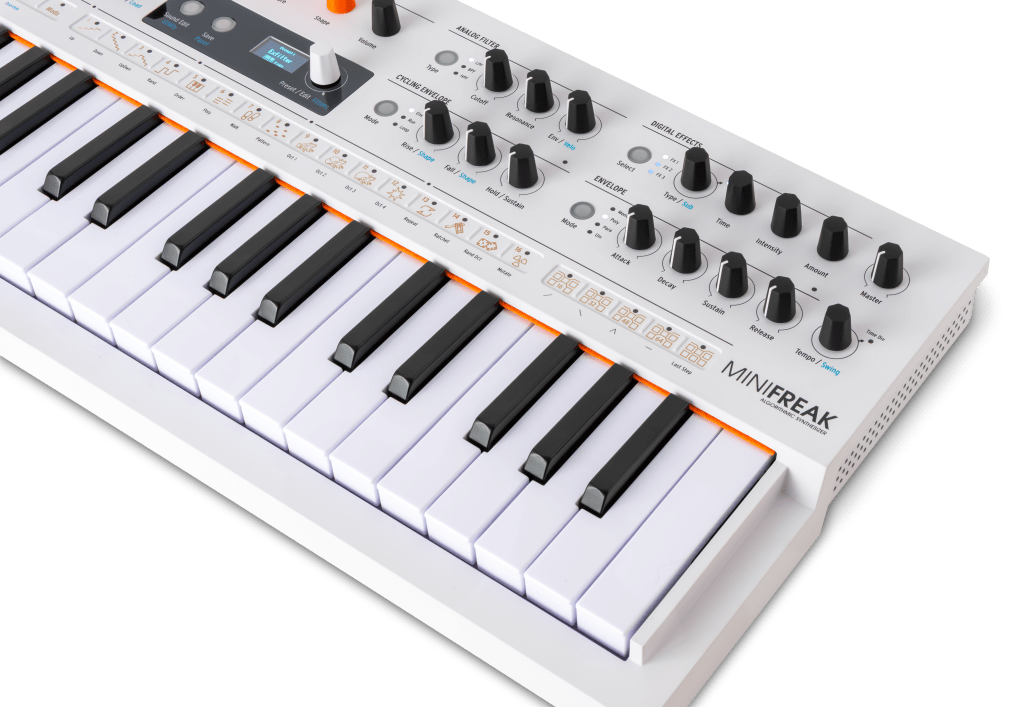
The centerpiece of the update is the brand-new Vocoder FX, a powerful and intuitive effect that works in two modes:
Ext Vocoder – Use an external audio input, like a microphone or instrument, and process it with the MiniFreak’s synth engine. This is where you can get those classic vocoded vocals or transform other signals into harmonically-rich textures.
Self Vocoder – No mic? No problem. In this mode, the vocoder works internally, processing the MiniFreak’s own synth engine. It acts like a creative filter bank, perfect for reshaping patches into futuristic, spectral sounds—without the need for any external input.
Four Vocoder Sub-Types
Both vocoder modes include four sub-types, giving you a wide palette of vocoder tones and responses:
Clean – High-definition, modern vocoder sound with maximum clarity and intelligibility.
Vintage – Modeled after classic vocoder units from the ’70s and ’80s, adding nostalgic coloration.
Narrow – Focused and resonant for edgy, experimental effects.
Gated – Responsive and percussive; great for transforming transients or creating rhythmic pulses.
These can be accessed quickly using Shift + Type, letting you cycle through creative flavors with ease.
Vocoder Parameters – Tailor Your Sound
Each vocoder type includes its own set of editable parameters for deep control:
In Self Mode:
Decay – Controls how long the processed signal rings out.
Formant Shift – Alters the tonal profile for alien voices or frequency-bending textures.
Dry/Wet – Blend the raw synth signal with the vocoded version for perfect balance.
In Ext In Mode:
Spectrum – Adjust how much frequency content is analyzed for vocoding, dramatically changing the output.
Formant Shift / Gate Threshold – Shift tone or set the sensitivity level in Gated mode.
Dry/Wet – Mix your voice or external signal with the vocoded version for dramatic or subtle results.
New Factory Presets and Sounds
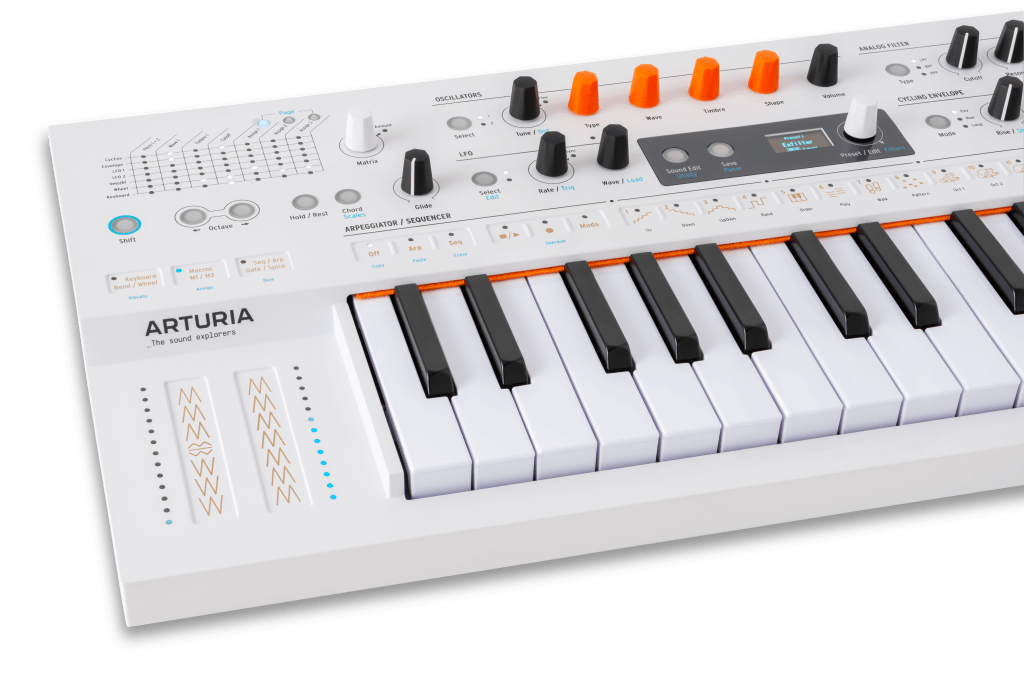
To help you jump right in, Arturia has included a new factory sound bank featuring 12 vocoder-powered presets. Half of these use the Ext Vocoder mode (great with a mic), while the other half use Self Vocoder mode and require no external input at all.
Expect everything from:
Classic robotic vocals
Vintage vocoded textures
Crystalline pads and laser-like stabs
Plucky, percussive gated sounds
Experimental sound design you didn’t know you needed
MiniFreak Vocoder Edition – A Fresh Look with Added Tools
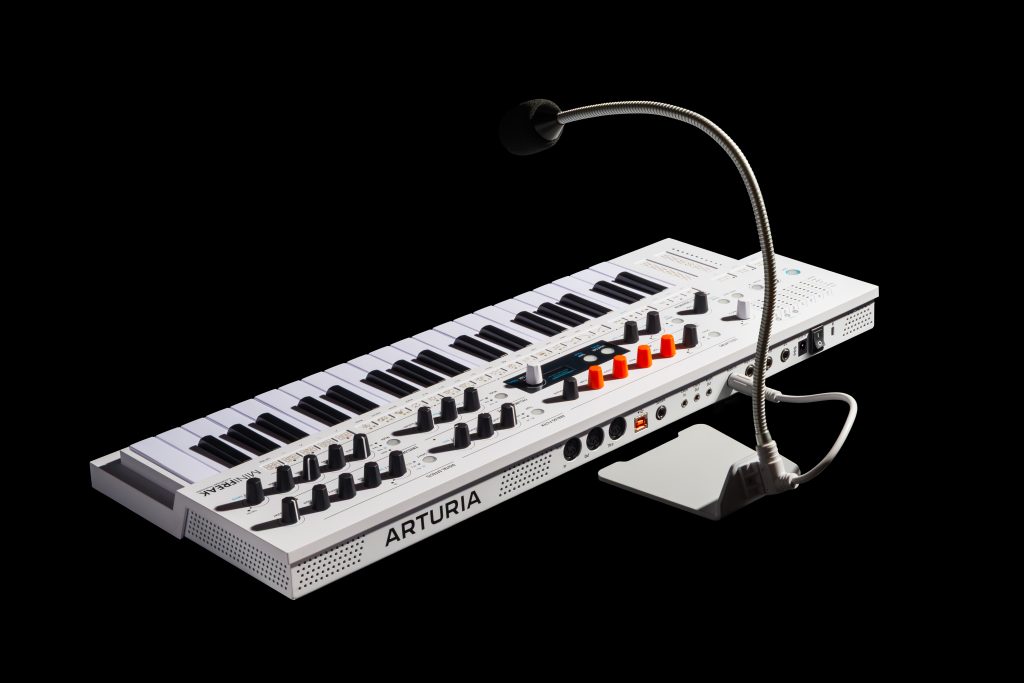
To coincide with this update, Arturia has also released the MiniFreak Vocoder Edition, which includes:
A sleek new white and orange casing
A gooseneck microphone and stand, so you’re ready to vocode right out of the box
The new Vocoder FX and preset bank pre-installed
This edition is perfect for performers or producers who want the full vocoding experience without needing to hunt down extra gear.
5 Cool Things to Try with the MiniFreak Vocoder
Robot Voice FX – Load up Ext Vocoder, plug in the mic, and play chords while speaking for classic vocoded vocal lines.
Spectral Sound Design – Use Self Vocoder to filter and reshape any patch into something brand-new.
Gated Beats – Feed in rhythmic sounds and use the Gated sub-type for percussive, plucky textures.
Formant Shifting – Morph your sound’s character dramatically for surreal, animated tones.
Layer Vocoder with Dry/Wet Control – Create thick, layered sounds by blending dry synth tones with vocoded textures.
Ready to Update?
The MiniFreak Vocoder Update is available now as a free firmware download for all MiniFreak users. Just head to Arturia’s official site for instructions and software.
And if you’re looking to jump into the world of vocoding for the first time, the MiniFreak Vocoder Edition gives you everything you need to start exploring right away—stylish redesign and mic included.
MiniFreak was already a sound designer’s dream. Now, it can sing, speak, and glitch like never before. Don’t sleep on this update—it’s one of Arturia’s most exciting additions yet.