EFNOTE PRO v2.0: Craft Your Own Drum Voice with User Tones + Expanded Instruments
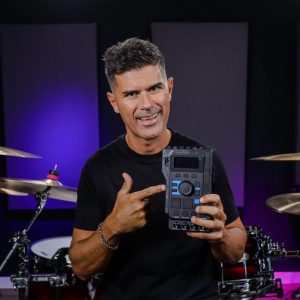
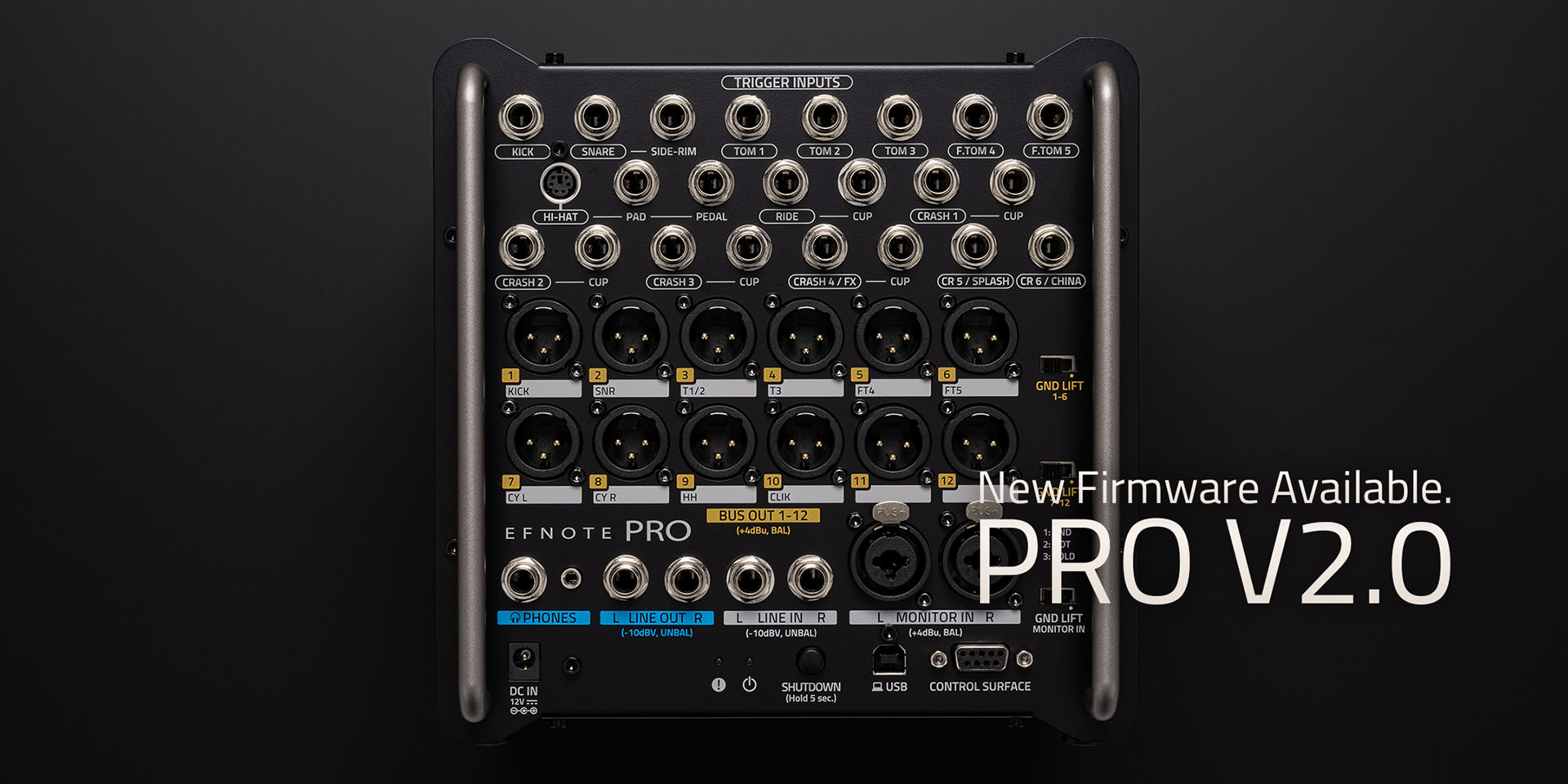
EFNOTE PRO’s new v2.0 firmware unlocks powerful sound design tools built for the stage and the studio. With User Tone (UT) creation, Overlay layering, and a streamlined Instrument Expansion (IX) workflow, you can shape a kit that truly sounds like you.
What’s new in v2.0
User Tone (UT)
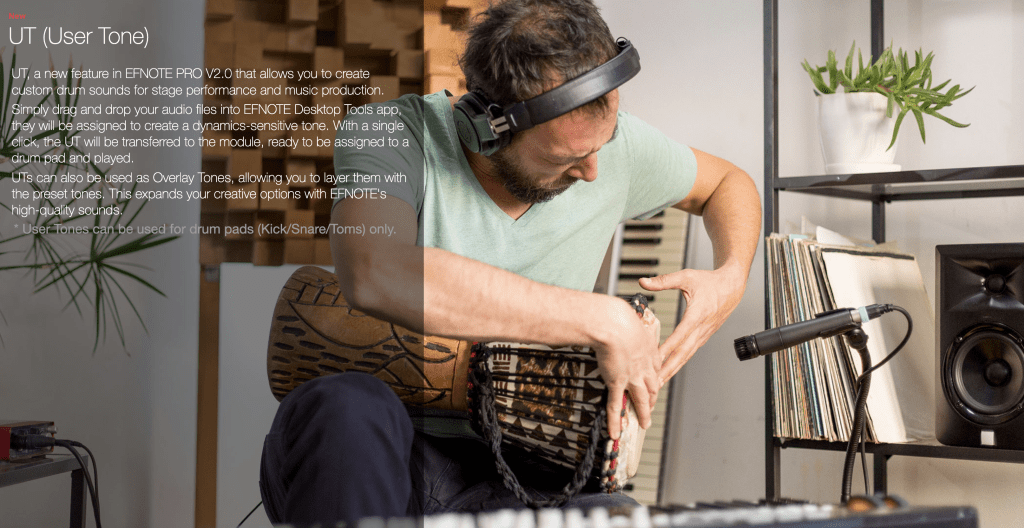
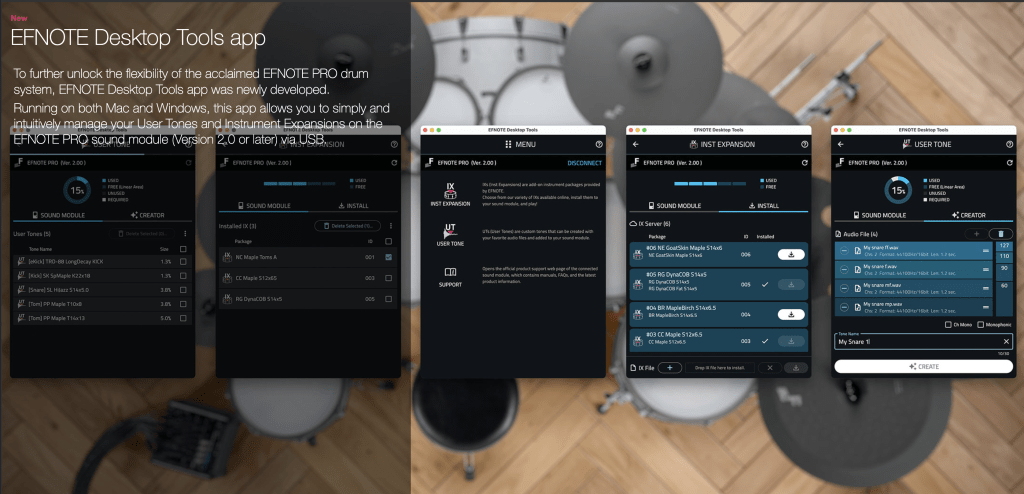
Load your own audio into EFNOTE Desktop Tools (Mac/Windows) to build dynamics-sensitive custom drum tones, then send them to the PRO module and assign them to pads. UTs also work as overlays, so you can blend your samples with EFNOTE’s pristine presets for extra snap, weight, or texture. (UT assignment is for kick/snare/toms.)
Overlay Tone (Layering)
Add elements like tambourines, EDM-style kicks, attack enhancers, percussion, and classic e-drum hits (eKick/eSnare/eClap) on top of existing kit pieces to cut through a mix or dial in genre-specific character.
Improved Instrument Expansion (IX)
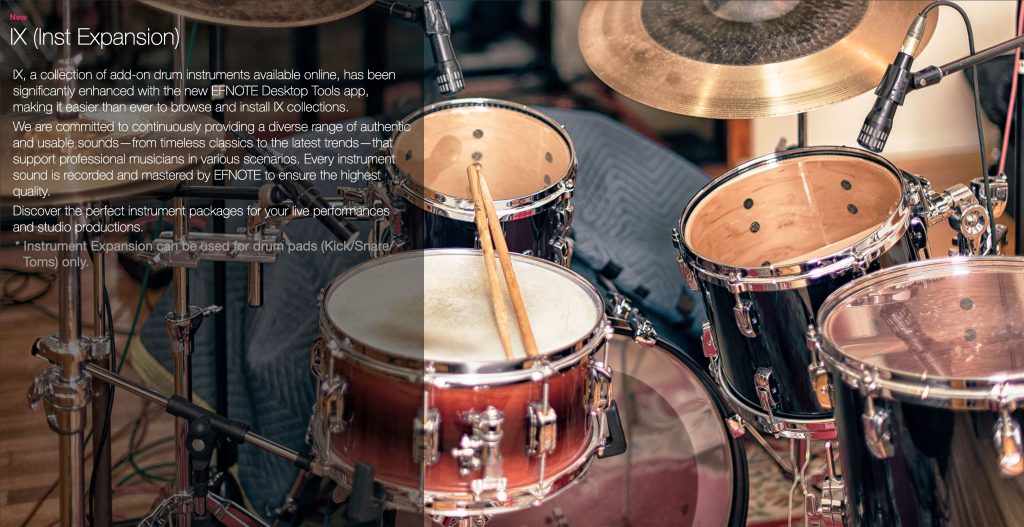
Browse, install, and manage EFNOTE’s add-on instrument packs right from the new Desktop Tools app—slot management is simpler, and installations no longer interrupt your flow. (IX is also for kick/snare/toms.)
Why it matters for live and studio
Signature sound, consistently: Build a kit that carries your sonic identity from rehearsal to FOH without mic bleed, room variables, or inconsistent backline.
Fast creative moves: Drag-and-drop your own hits or layers to tailor attack, body, and ambience to the venue or the track.
Curated add-ons: Expand with professionally recorded IX packs—from timeless staples to current trends—captured and mastered by EFNOTE.
Quick start: from idea to pad in minutes
Update EFNOTE PRO to v2.0
Download the latest firmware from the EFNOTE PRO page and follow the on-screen guidance.Install EFNOTE Desktop Tools (Mac/Windows)
Desktop Tools is where you’ll manage both UT and IX for v2.0.Create a User Tone (UT)
Drag your audio into Desktop Tools to build a dynamics-sensitive UT, transfer it to the module, then assign it to a kick/snare/tom pad. If you like, enable Overlay to blend it with the preset tone.Explore Instrument Expansions (IX)
Use Desktop Tools to browse and install IX packs directly—no reboot required—and manage slots as your library grows.
UT & IX at a glance (helpful limits/specs)
Supported UT formats: WAV at 44.1 kHz or 48 kHz, 16/24/32-bit
Dynamics layers per UT: up to 4 audio layers
UT capacity: store up to 80 UTs; total time about 110 s mono / 55 s stereo @48 kHz (about 120 s mono / 60 s stereo @44.1 kHz; varies by files)
Pad assignment: UT/IX are assignable to kick/snare/toms; UTs can be tuned and muffled, and used as overlays
Tips for great results
Layer with intent: Use a short, bright UT for “attack” overlays and a longer sample for body/room. Keep gain staging tasteful to preserve EFNOTE’s natural dynamics.
Build show-ready sets: Save multiple kits that swap UT/IX choices for different songs or venues; pair with EFNOTE’s set-list features for quick transitions on stage.